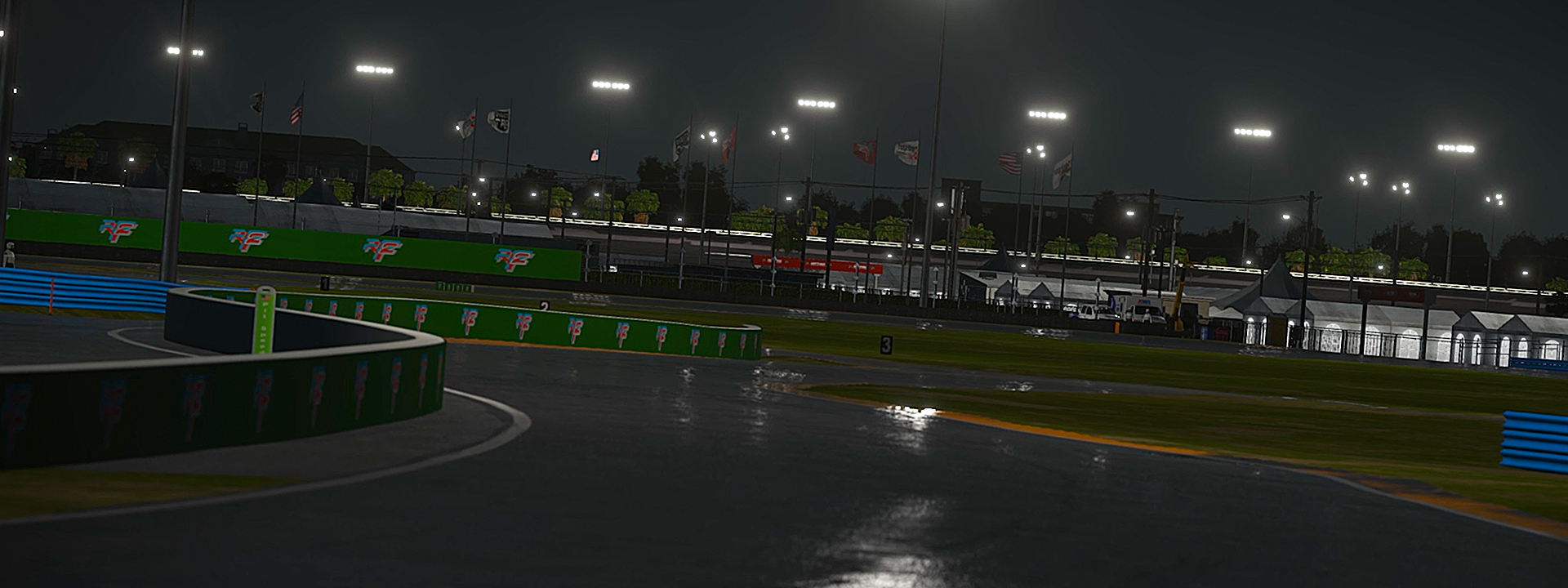
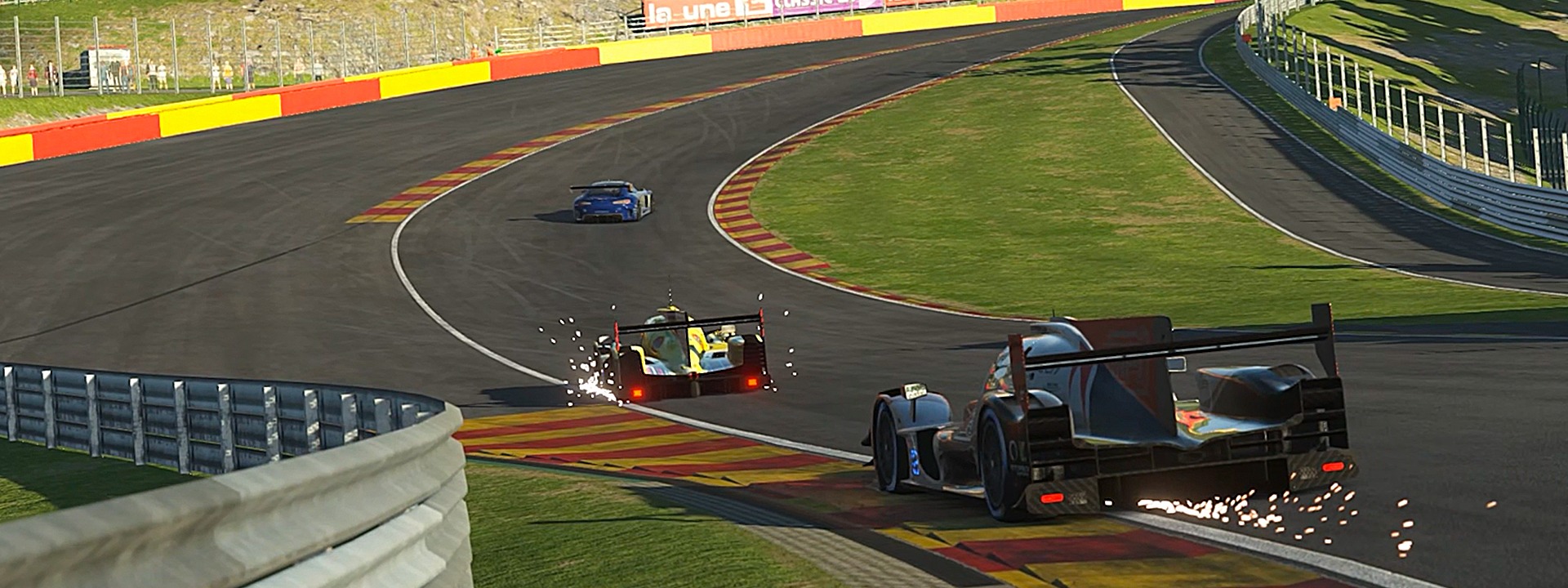
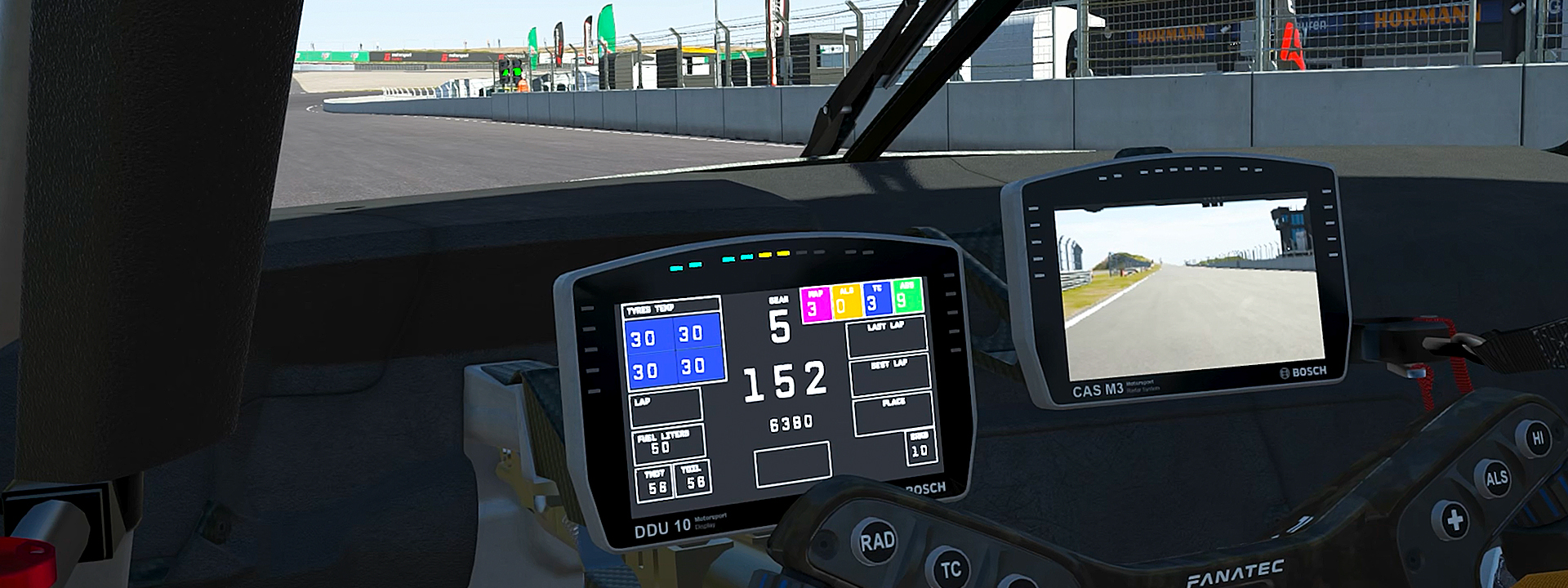
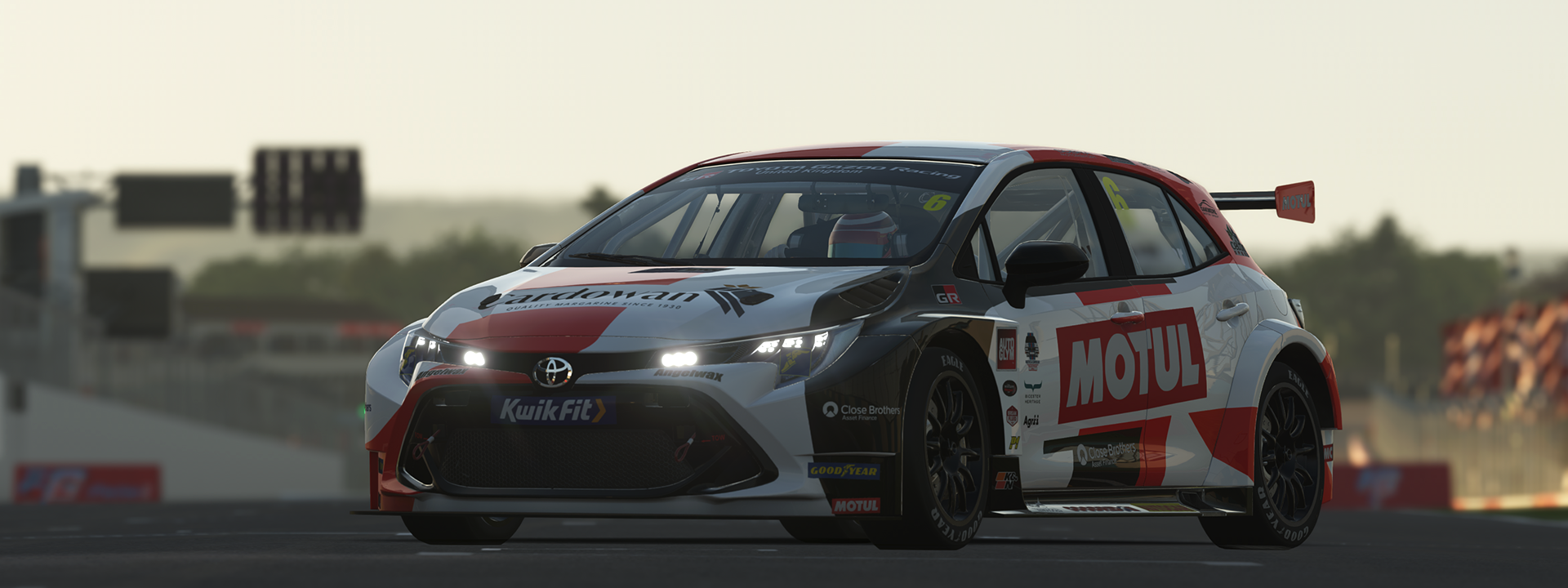
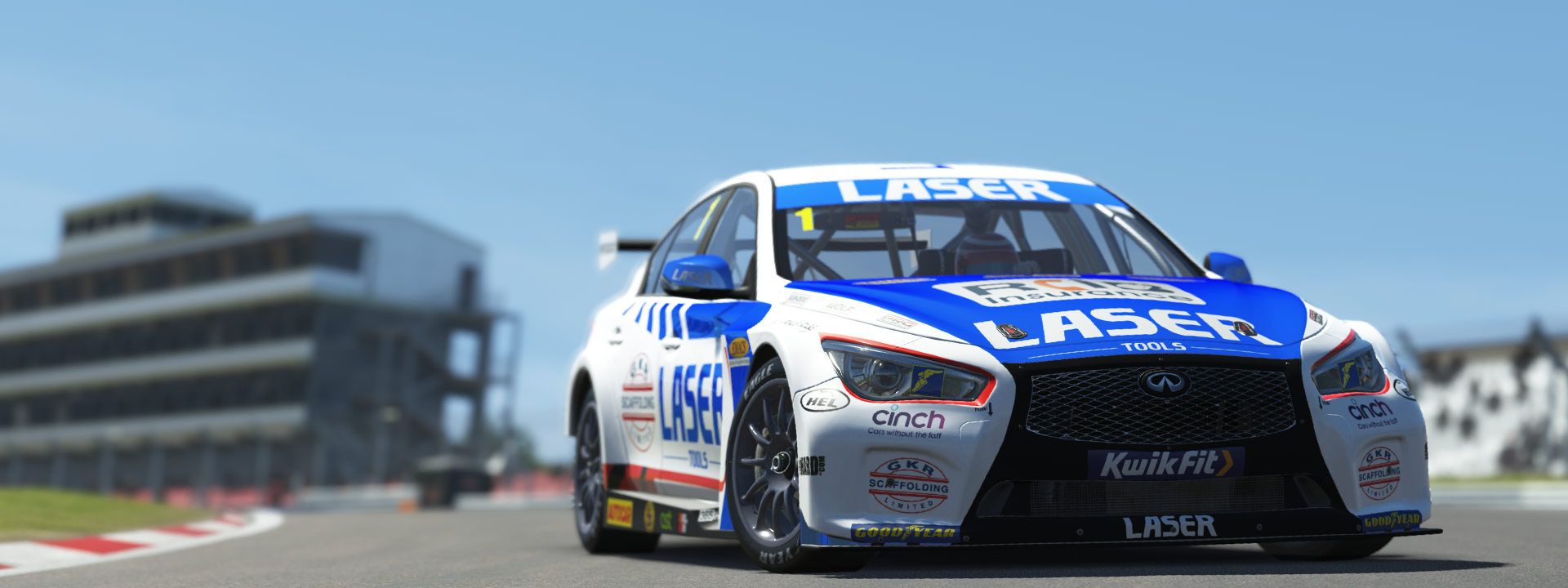
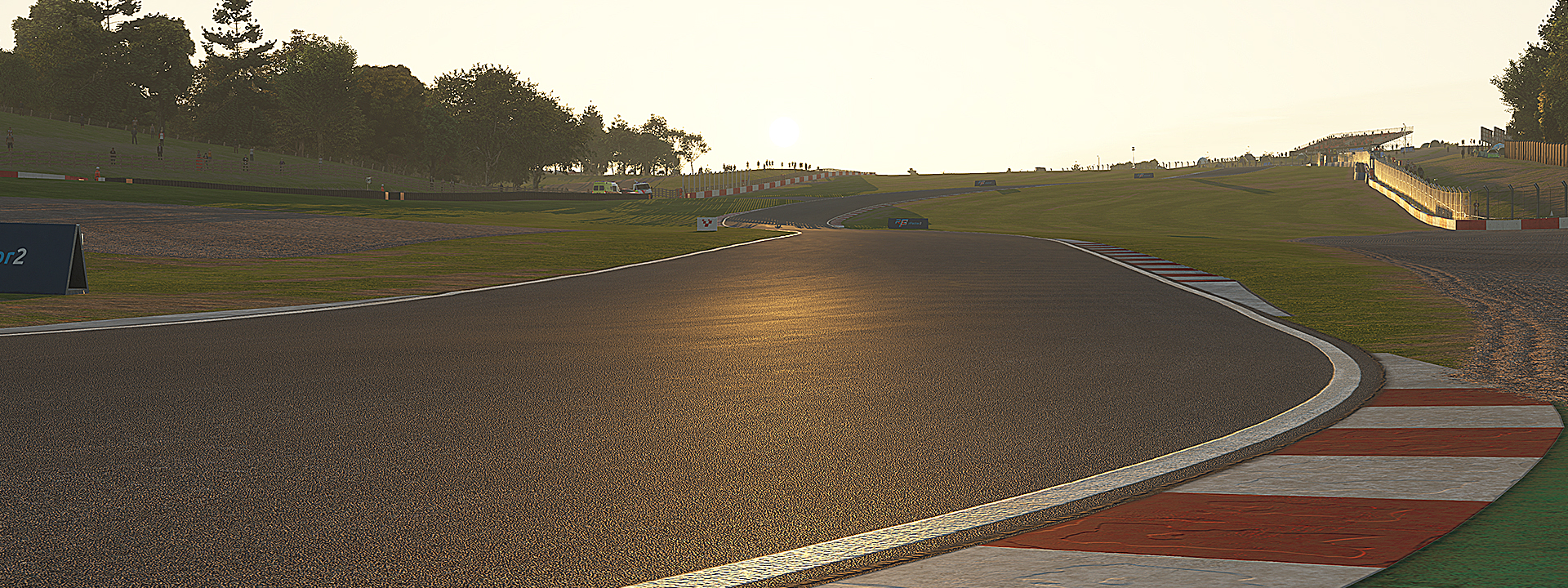
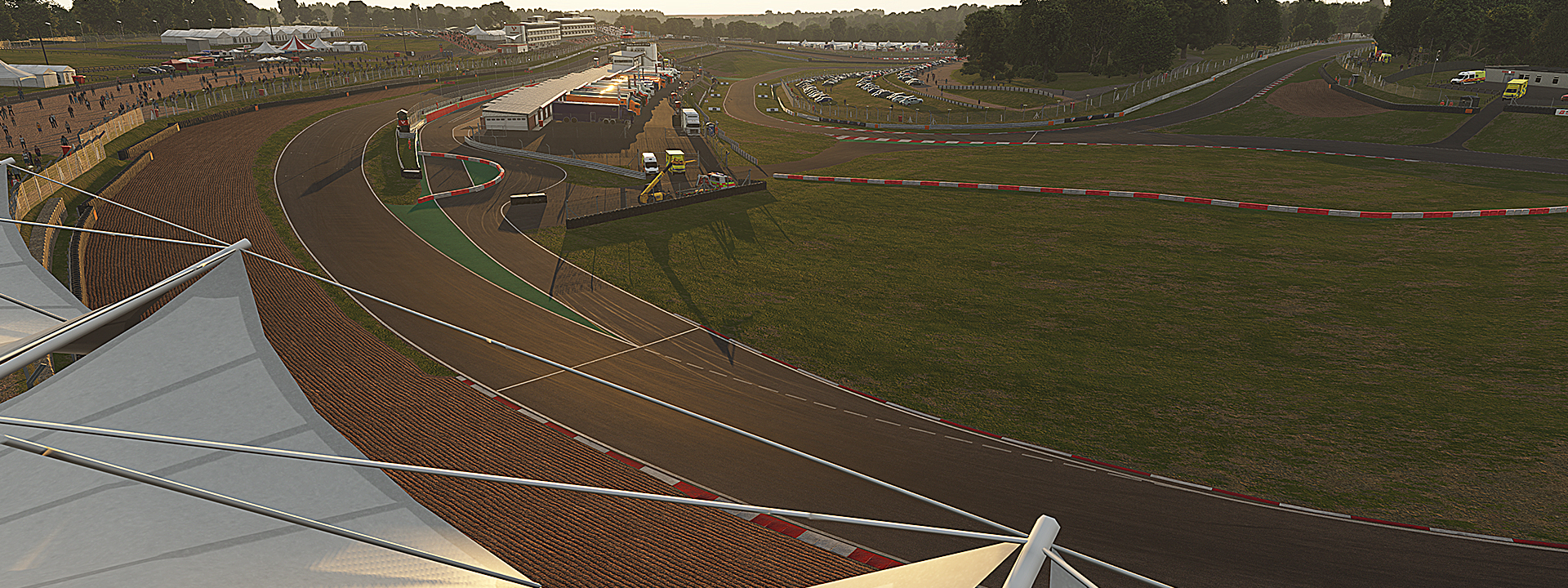
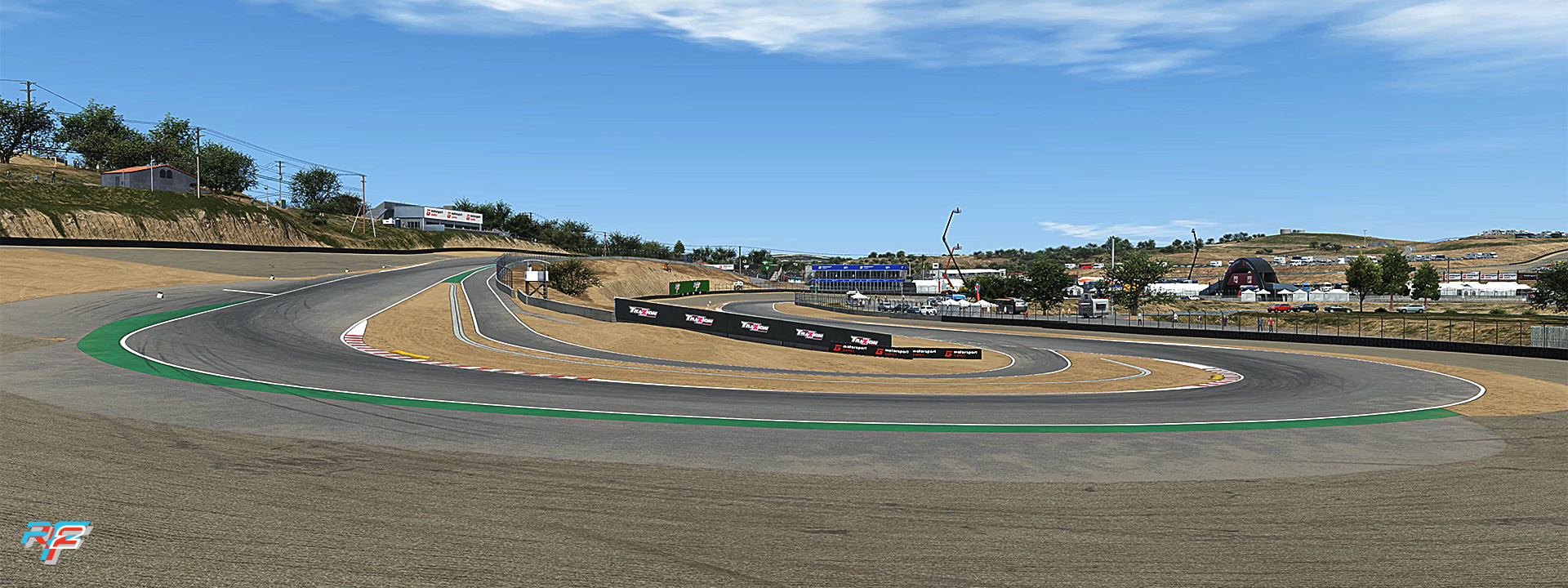
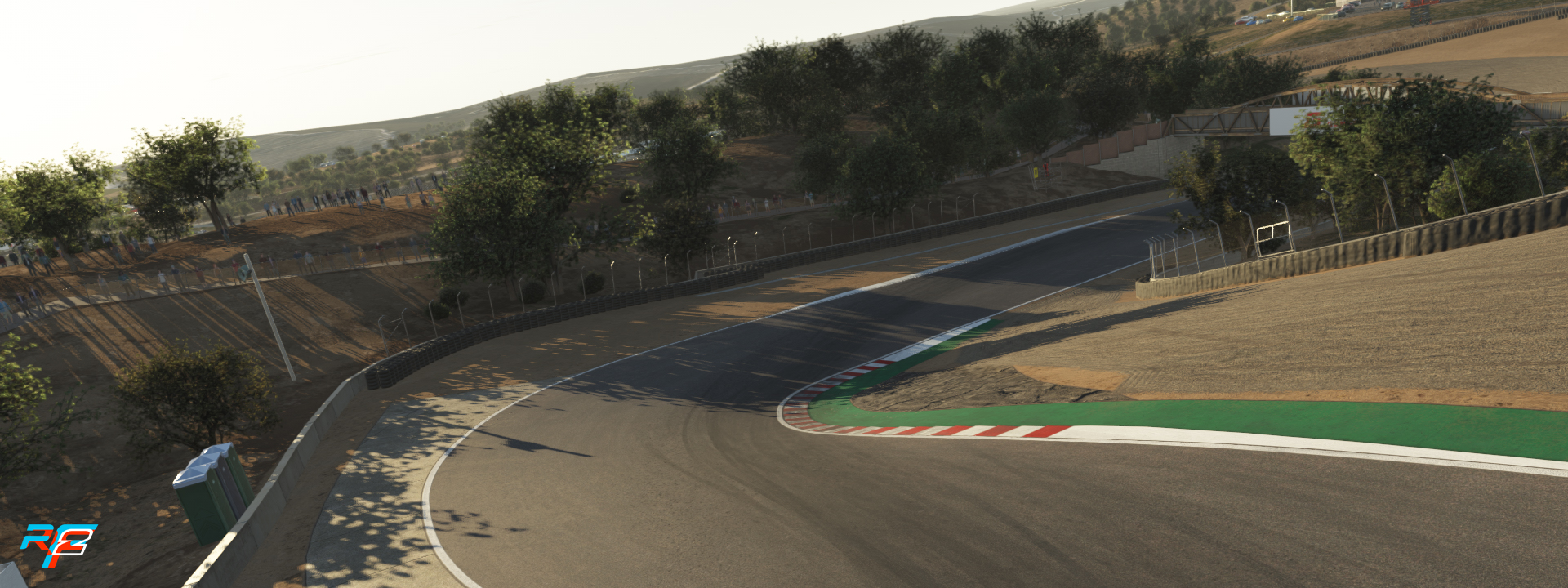
E' finalmente disponibile l'aggiornamento di Maggio per rFactor 2 con il tanto atteso Content Drop contenente ben tre piste (Donington Park, Brands Hatch e Laguna Seca) e due nuove vetture (Infiniti Q50 e Toyota Corolla)
Con l'aggiornamento arriva in veste ufficiale anche la build 1128, che contiene le migliorie e le novità introdotte con la Release Candidate rilasciata qualche settimana fa: tra le novità spiccano il nuovo motore audio, nuovi effetti particellari, nuovi aggiornamenti alla pioggia e al meteo, il nuovo sistema elettronico di protezione della scalata e raffreddamento freni e motore migliorato
Anche il Competition System si aggiorna, con l'arrivo della Stagione 3: vengono confermate la Rookies Cup (con la Alpine A110) e la Open Wheel Sprint (con la Tatuus FT-60 invece della USF-2000), mentre la novità è il Touring Car Challenge, che utilizzerà ovviamente le nuovissime vetture BTCC appena rilasciate. La Race of the Season invece vedrà i piloti sfidarsi a Laguna Seca con la Indycar IR-18
Ecco di seguito il changelog completo:
QuoteGeneral
- Updated Safety Car added to Retail and ModDev. Old Safety Car removed.
- Added a visual driving line feature, this can be toggled from settings.
- Removed texture cache to simplify loading.
- Added an option to set the amount of water on roads at the start of a session.
- Increased the rate of RealRoad calculations by approximately x4.
- Added a server option to disable faster real road calculations, as this adds approximately an extra 4KBps per client to server overheads.
- Improved real road update rates. They’re now separate per real road property, with wet road having a higher update rate.
- Minor update to default weather conditions for different profiles (Rainy/Overcast/Sunny etc).
- New algorithm for wet road calculations effecting how quickly surfaces get wet and dry, taking into account drainage, humidity, ambient temperature and sky weather conditions.
- Updated tyre grip calculations on rubbered in areas when surfaces are wet.
- Updated how road and rain conditions are reported. Old percentage values now snap to a set percent for each tyre of condition, masking the true absolute condition in the game. The Default HUD has been updated to show a text description.
- Corrected Rear Flap System default wet weather disable point to work with new weather ranges.
- Fixed an issue where Cameras constrained to specific paths would not work correctly in replays.
- Extended Freelook mode to allow control via joypads as well as adjustments of exposure, aperture, sensor size and focus.
Graphics
- Added spark effects.
- Decreased interval of Static Mapper updates from 5 minutes to 10 seconds. This should result in smoother lighting changes at dawn / dusk and as weather conditions change.
- Corrected Sky Colour to remove Cyan effect.
- Slight adjustments to exposure for sky colour adjustments when sun at it’s highest.
- Minor Atmospheric Corrections, including linking AirMass to AirPollution.
- Reducing fog brightness slightly.
- Reduced Exposure a touch when the sun is around 10 degrees of altitude.
- Improved cloud selection at different weather settings.
- Minor cloud texture improvements.
- Fixed an issue where Clouds would disappear at really high altitudes.
- Fixed issues with lighting interpolation in sky rendering at Dusk/Sunrise, which would result in jumps in lighting values.
- Fixed puddle splashes not setting when rain drops are not used (set to off or scene viewer).
- Fixed lighting on spray during wet conditions, and tweaked particle profile.
- Updated reflections on PBR Road and Curb Shaders.
- Updated Rain Particle settings and fixed rendering on ultra wide screens.
- Passed through particle settings refining Spray, Dust, Smoke and more.
- Fixed an issue in VR where the scene would over exposure.
- Fixed an issue in VR where replay mode would not render correctly.
Physics
- Implemented enhanced cooling system for oil & water. This includes new parameters in the .hdv file. The new model includes:
- Direct heat transfer between water and oil.
- Oil radiator.
- Switchover Thermostat.
- Separated front and rear brake ducts.
- Added configurable gear shift protection.
AI
- Added AI Dry Tyre strategy (Random Dry Tyre in Practice, Softs in Qualifying and try to pick an appropriate tyre for race strategy in race).
- AI now check if to change Tyre Type just before the pit road entry rather than at the start of the lap.
- Fixed various issues around AI Tyre Selection when session changes and weather changes – such as not switching to wet tyres when it was dry before but now is wet.
- Fixed an issue with calculating road conditions when changing session where they would not fully compute.
- Fixed an issue where cars that don’t allow pit stop refuelling would run a full tank in practice and qualifying.
- Prevent AI from leaving pits in closed session.
- Fixed an issue where if there was a set of valid wet tyres, intermediate tyres would default to dry tyres.
UI
- Always show official sticky servers in the server list even if filters are active.
- Enabled “Restart warmup” button also when event is in race session.
- Updated button layout in session controls and setup summary.
- Added fading out of screen when leaving event or replay.
- Added condensing of tire name when too long to fit in event standings table.
- Added help text when hovering over various settings.
- Added music to showroom.
- Changed breaking of long chat lines so they only break on full words.
- Fixed getting stuck in assign control pop-up after assigning tab key.
- Disabled user text selection everywhere except in text fields.
- Added highlighting of assigned control key values when hovering over with mouse.
- Improved transition between different profiles in graphics and gameplay settings menus.
- Refined styling of car classes in event screen.
- Refined styling of car classes in fullscreen standings ticker.
- Disabled “Default max wheel angle” setting when “Max wheel angle mode” is set to automatic.
- Disabled “Steering wheel range” setting when “Range set by vehicle” setting is enabled.
- Hid the car selection list when the drive/spectate pop-up is showing when joining a server directly with a join link.
- Changed searching for cars and tracks so that the list scroll position is kept at the top after search (clearing the search text will scroll to the selected item).
- Enabled car selection on server during a practice session.
- Made it possible to add multiple custom graphics profiles.
- Made it possible to add multiple custom gameplay difficulty profiles.
- Always sort “All Tracks & Cars” to the top of the list in singleplayer series selection.
- Added fallback image for showcase tile in case the actual image cannot be loaded.
- Updated showcase, news and store tiles background image positioning and scaling.
- Added option to expand server chat window to full height.
- Setup notes for the highlighted setup (the one you clicked on in the setup list but not yet loaded) are now shown on the setup summary page.
- Setup notes can now be typed in the setup summary page (the setup still has to be saved to save the changes).
- When saving a setup, the folder for the current track will be selected by default (instead of the folder of the loaded setup).
- Removed automatically expanding all found items in car and track selection after search.
- Added highlighting of selected opponent filters.
- Fixed multiplayer screen with drive/spectate pop-up showing too soon when using +connect to join a server, and if and when content install is still in progress.
- You can now select car upgrades directly from the car selection screen without going to the showroom (both in singleplayer and multiplayer).
- Disabled singleplayer grid position setting if qualifying is enabled.
- Added two new gearbox graphs:
- Top speed per gear
- RPM after upshift
- The existing graph, gear spacing, is kept as a third option
- Fixed occasional blank page in the first launch wizard when going to the exit screen and back.
- Reordered difficulty settings and sliders.
- Singleplayer RealRoad settings are now enabled only when the weather preset is set to “Scripted”.
- Renamed “Steering effects strength” setting to “Force feedback direction”.
- Singleplayer “Race Laps” and “Race Time” settings are now disabled/enabled based on the “Finish Criteria” setting.
- A singleplayer session can now also be enabled by clicking on the disabled session button in quick event.
- The “Drive” button now changes to a “Next session” button when session time runs out in singleplayer.
- Skipping the first launch wizard now takes you to the content selection page, instead of skipping the whole wizard. You can also skip the content selection from there.
- You can now skip the first launch wizard from any page.
Modding
- Added IBL Visualizer Debug tool to Scene Viewer (already present in ModDev).
- Added Texture UV Mip Debug tool to Scene Viewer (already present in ModDev).
- Added AI Vocal Strategy Player File debug option for Mod Dev (Pit Strategies, Tyre Changes and when selected what they are doing – can be expanded in future).
- Fixed overcast preview mode (note: this is not exactly the same as in game).
- Updated sample wet masks at Loch Drummond.
Sound
- New Sound Engine
- New 3D rendering.
- Vastly increased amount of simulataneously playing effects.
- Environmental effects and filtering system.
- Proper cockpit filtering.
- Autodetection of open and closed cockpits for environment effects and filtering.
- Sound effects such as skid, kerbs, gravel, wind, suspension and many more now work online and in replays.
- Support for full surround sound setups.
- HRTF support (Binaural headphone experience).
- Vastly improved VR experience.
- Backwards compatible.
- Many new sound effects.
- Support for trackside broadcast microphones.
- Every car causes audible ambient noise around the whole track.
- Brand new, modern, customisable file format with much more freedom for audio designers.
- Improved debugging tools for dev mode.